Writing a blog post used to take me a full day. Research, outline, draft, edit, format — by the time it was done, I was too exhausted to promote it.
ChatGPT changed that. Not by writing posts for me. But by removing every bottleneck in the process.
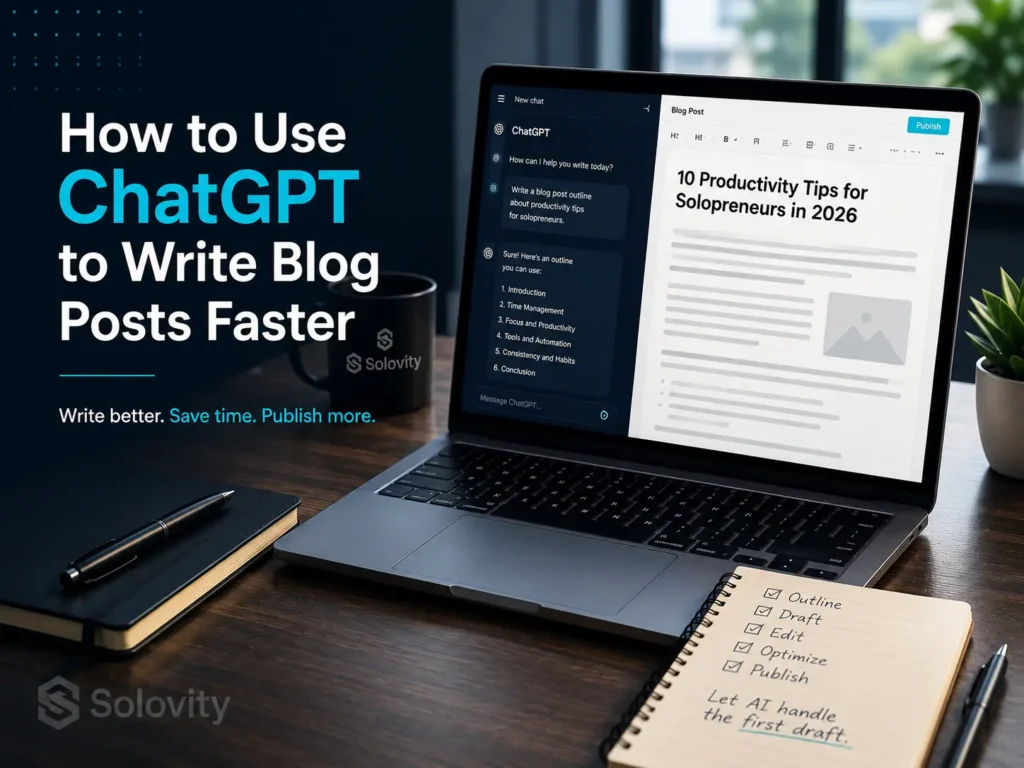
This guide isn’t about asking AI to write your content and hitting publish. That approach produces generic posts that don’t rank and don’t connect with readers. Instead, I’ll show you a specific 5-step workflow that uses ChatGPT as a co-pilot — so you stay in control of the ideas and voice, while the AI handles the heavy lifting.
If you’re a solopreneur or one-person blogger who wants to publish more without burning out, this workflow is built for you.
Why most people use ChatGPT wrong for blogging
-
- The “write my whole post” mistake
-
- Why generic prompts produce generic content
-
- The co-pilot model vs the replacement model
-
- Solovity angle: Position ChatGPT as your content engine, not your ghostwriter
The 5-step ChatGPT blog writing workflow (with exact prompts)
-
-
Angle & keyword validation
-
Prompt: “I’m writing a blog post targeting [keyword]. Give me 5 unique angles that most articles haven’t covered yet.”
-
-
Build the outline
-
Prompt: “Create a detailed SEO blog outline for [title]. Include H2s, H3s, key points per section, and a suggested word count. Target reader: solo blogger/solopreneur.”
-
-
Write section by section, not all at once
-
(Prompt per section template included)
-
-
Edit for your voice
-
Prompt: “Rewrite this paragraph to sound like a knowledgeable friend, not a textbook. Remove filler phrases.”
-
-
Generate meta, FAQs, and social snippets
-
(One prompt that produces all three)
Exact time breakdown (how long this actually takes)
| Task | Time With ChatGPT |
| Topic + angle | 10 mins |
| Outline | 5 mins |
| Draft (Section By Section) | 40 mins |
| Edit + Voice Pass | 20 mins |
| Meta, FAQ, images brief | 10 mins |
| Total | ~85 Minutes |
Mistakes to avoid (what the SERP won’t tell you)
- Publishing raw AI output without a voice pass
- Not giving ChatGPT your audience context upfront
- Skipping the outline step
- Using it to write the entire post in one prompt
- Solovity principle: AI amplifies your thinking — it doesn’t replace it
How to save your workflow as a reusable system
- Save your master prompt template in Notion or a Google Doc
- Build a personal ChatGPT “brand voice” prompt (link to Post #06 — internal link opportunity)
- How to turn one post into 10 pieces of content (link to Post #03 — internal link)
Conclusion
ChatGPT won’t make you a better blogger on its own. But pair it with a clear workflow and it becomes the most useful tool in your content stack.
The 5 steps above are what separate bloggers who publish once a month from those who publish consistently — without sacrificing quality or their own voice.
Start with just Step 1 today. Pick your next blog topic and run it through the angle prompt. You’ll have an outline in under 10 minutes.
If you want to go deeper, read our guide on building a complete AI content workflow for solo bloggers Or grab the prompt templates below and start now.
AI doesn’t replace creativity—it removes repetitive work. A strong content repurposing system lets you focus on creating valuable ideas while AI helps adapt them for different platforms.